Ad Studio
Product Image Studio
One product photo, a full store carousel
- InOne product photo
- DoPick image types
- OutA store carousel

Who it is for
Online shops that need a full set of listing images: the hero, how to use it, what is inside, the guarantee.
Why it works
Product pages sell with a set of pictures, not one. Each card type answers a question buyers have, all from the same product photo and with your own words where you give them.
The steps in Staglight
Each step and what it does.
-
Pick what to make
Each card is one kind of result. Pick one per click.
- Hero / Packshot
- Before / After
- Handle Objections
- Ingredients / What's Inside
- How To Use
- Risk Reversal / Guarantee
- Testimonials / UGC Grid
-
Generate
Pick one image type per click. Every image comes from your own product photo, with your words where you give them.
-
Download
Every result lands in your library, ready to download.
Tips
- Start with a transparent or clean product photo.
- Give your own words where you have them; the rest is written to fit.
- Make the hero image first, then the rest in the same look.
Ready when you are
Open it in Staglight and follow the same steps.
Try next
-
Ad format
Offer-first static
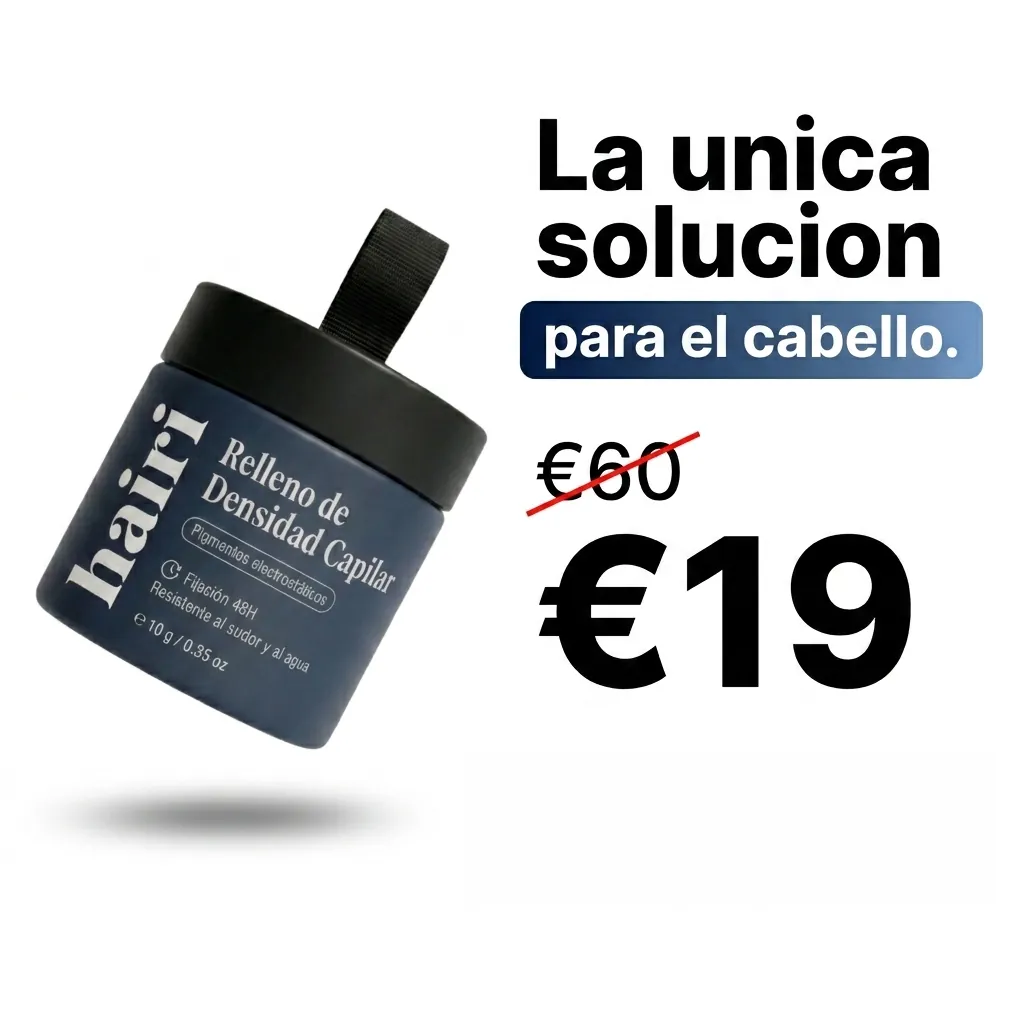
A still of your product in a scene. The app adds the price or discount as crisp text.
- Product photo
- 2 review steps
- Image · 1:1 · 4:5 · 9:16
-
Ad Studio
Static Ads
Facebook feed ads from one photo
- A product photo or an ad
- Pick a format
- Feed ad images
-
Ad Studio
Instagram Page Setup
Build your feed, or clone a competitor's
- Your product or posts you like
- Recreate or pick a post type
- Posts for your feed