Ad Studio
UGC Shots
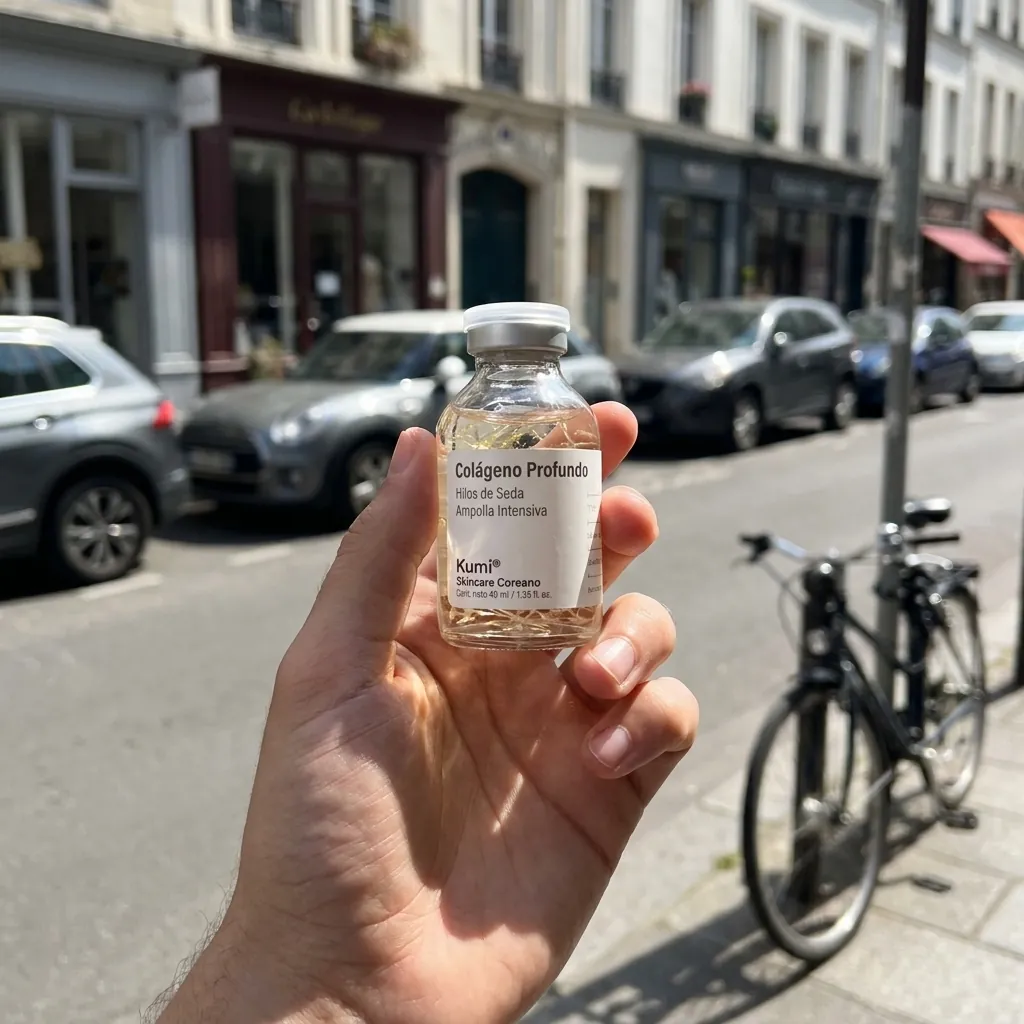
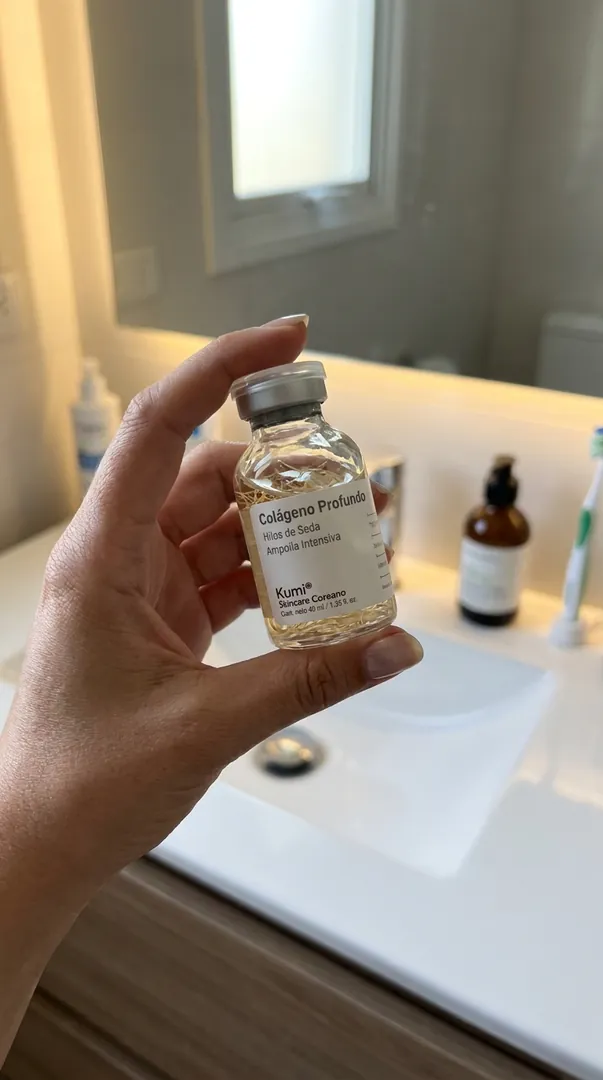
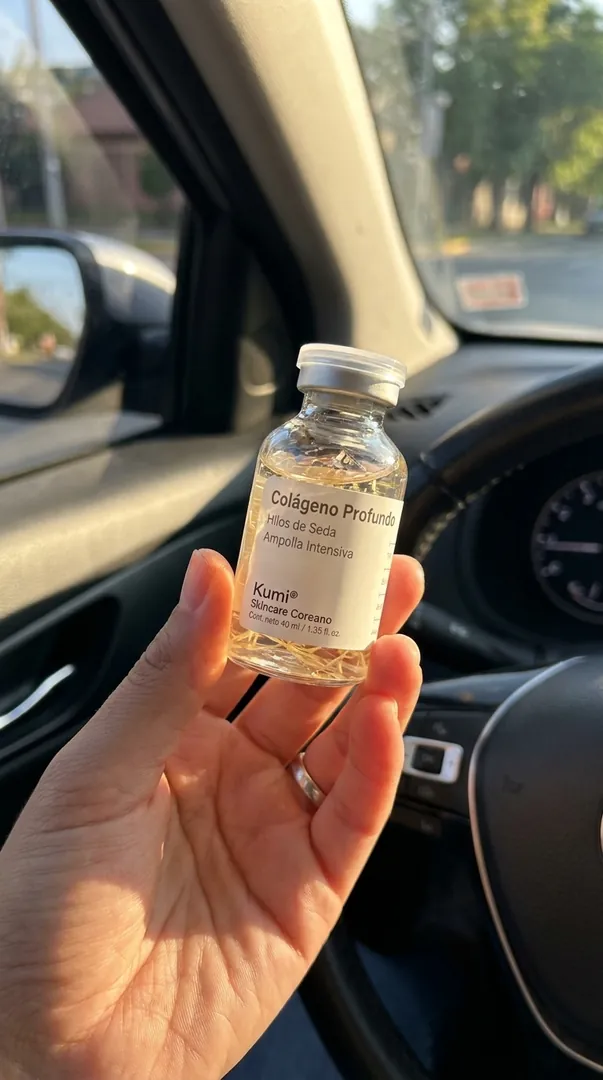
Casual "holding the product" phone photos from one render. No text, pure UGC.
- InOne product render
- DoPick scenes
- OutPhone-style photos
Who it is for
Brands that want casual, everyday product photos for posts and ads without a shoot.
Why it works
Photos that look taken on a phone blend into feeds better than studio shots. The whole scene is rebuilt around your product while the label stays faithful.
The steps in Staglight
Each step and what it does.
-
Pick what to make
Each card is one kind of result. Pick one per click.
- Street POV
- Bathroom Routine
- Car Interior
- Kitchen Counter
- Gym Bag
- Unboxing
- Mirror Selfie
- Pool / Summer
-
Generate
Best shot first, then hit Animate on it: the video starts from that exact frame, label intact.
-
Animate
A short handheld phone clip that starts from your shot, with ambient sound.
-
Download
Every result lands in your library, ready to download.
What you get
Tips
- Any product render or clean photo works.
- Make your best shot first, then animate it into a short clip.
- These are styled scenes, never shown as real customer photos.
Ready when you are
Open it in Staglight and follow the same steps.
Try next
-
Ad format
Creator-style UGC
An AI presenter shows your product on camera, with a script, voiceover and captions.
- Product photo
- 3 review steps
- 15 s video · 9:16
-
Ad Studio
Customer-style photos
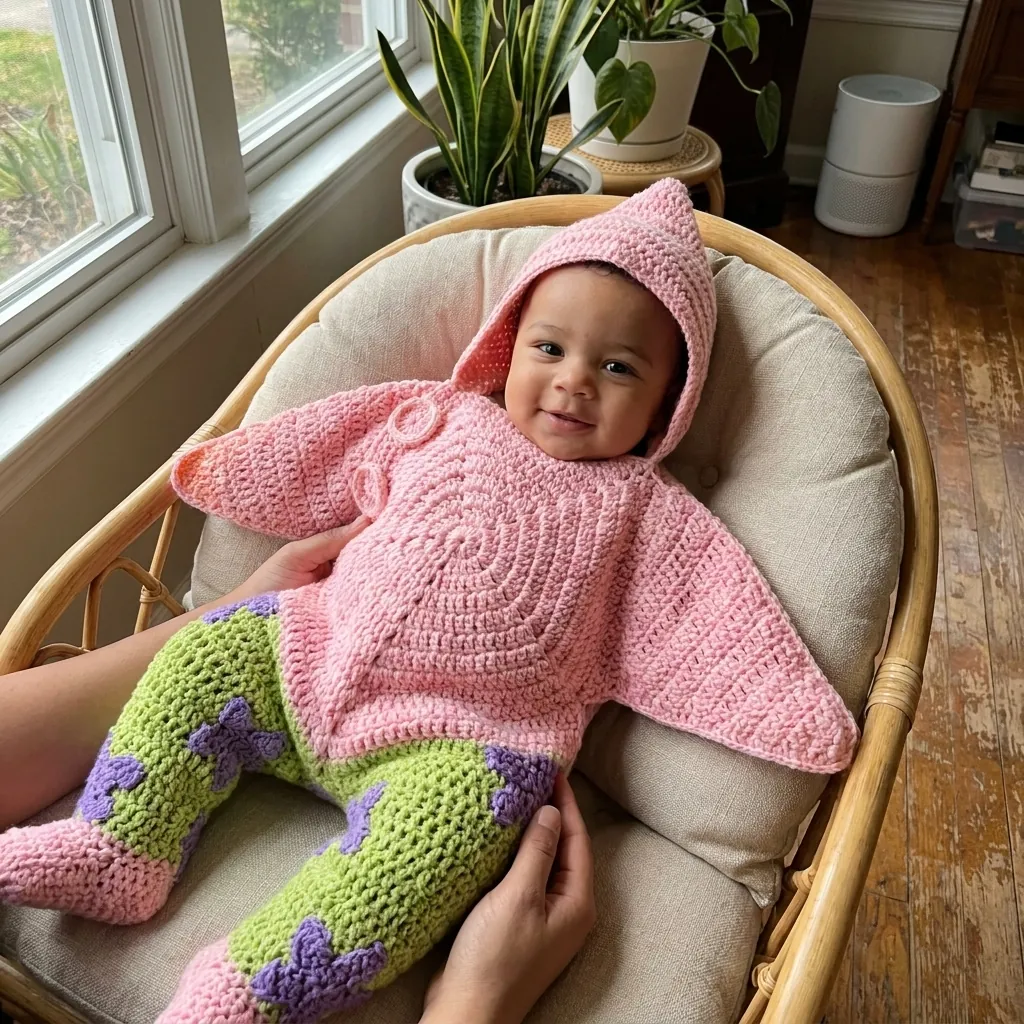
Drop the product shot and get a grid of customer-style photos: different people, different homes, different light.
- Your product shot
- Set the direction
- A grid of photos
-
Ad Studio
AI Influencer
Create your own AI influencer, pick a move and get a vertical video ready to post.
- A character type or your photo
- Pick your influencer, then a move
- A 5 s vertical video