Ad Studio
Edit Product Photo
One precise change (a new colour, a cleaner background, a removed distraction) with everything else in the photo left untouched.
- InYour product photo
- DoAsk for one change
- OutThe same photo, edited

Who it is for
Shops that need a new colour, a cleaner background or another angle without a reshoot.
Why it works
Most photo fixes are one change, and everything else should stay exactly as it is. Only the change you ask for is made, so the result can go straight onto your listing.
The steps in Staglight
Each step and what it does.
-
Pick what to make
Each card is one kind of result. Pick one per click.
- Another angle
- Studio flat-lay
- Studio shot
- Change colour
- Change background
- Remove something
- Custom edit
-
The edit
Only the change you ask for.
-
Download
Every result lands in your library, ready to download.
What you get


Tips
- Ask for one change per image.
- Use Change colour for every variant of a product.
- Check the label and the small details on the result.
Ready when you are
Open it in Staglight and follow the same steps.
Try next
-
Ad format
Offer-first static
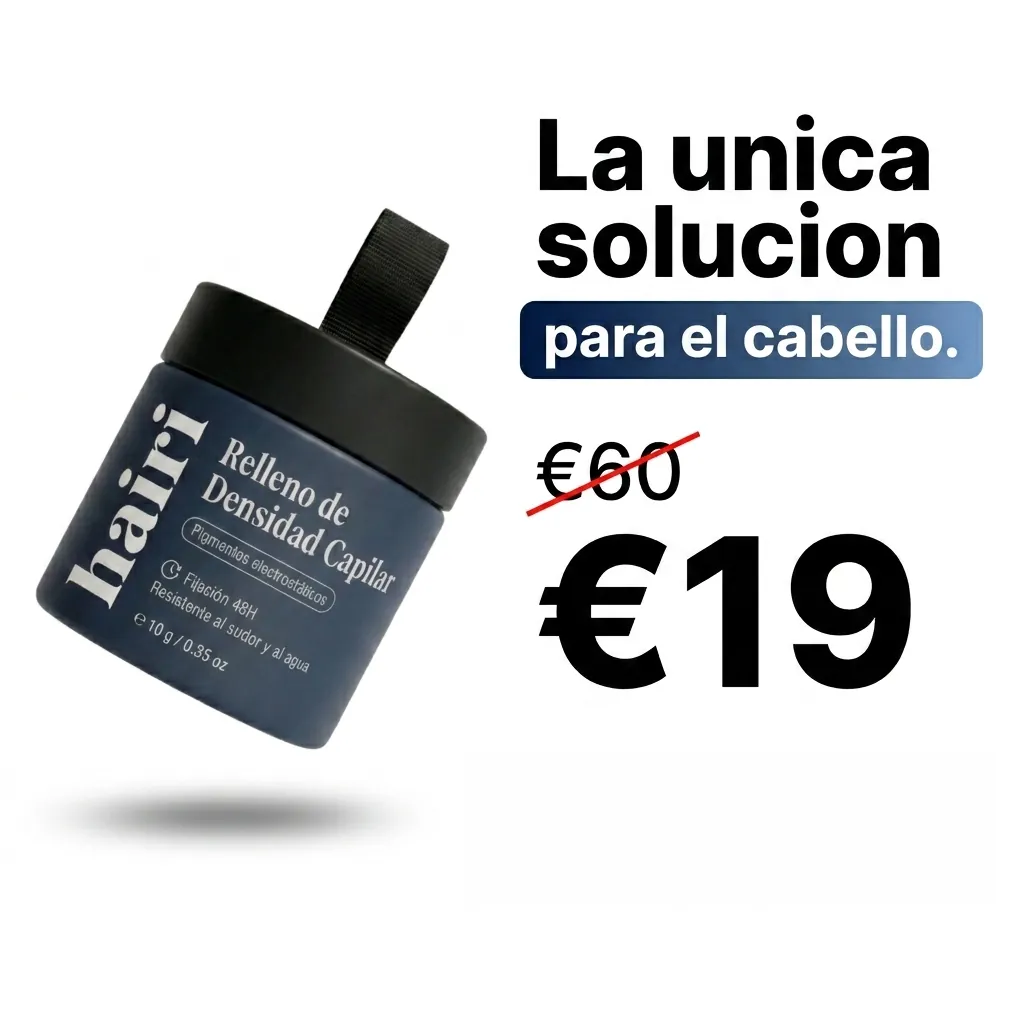
A still of your product in a scene. The app adds the price or discount as crisp text.
- Product photo
- 2 review steps
- Image · 1:1 · 4:5 · 9:16
-
Ad Studio

Product Image Studio
One product photo, a full store carousel
- One product photo
- Pick image types
- A store carousel
-
Ad Studio
Static Ads
Facebook feed ads from one photo
- A product photo or an ad
- Pick a format
- Feed ad images