Ad Studio
Static Ads
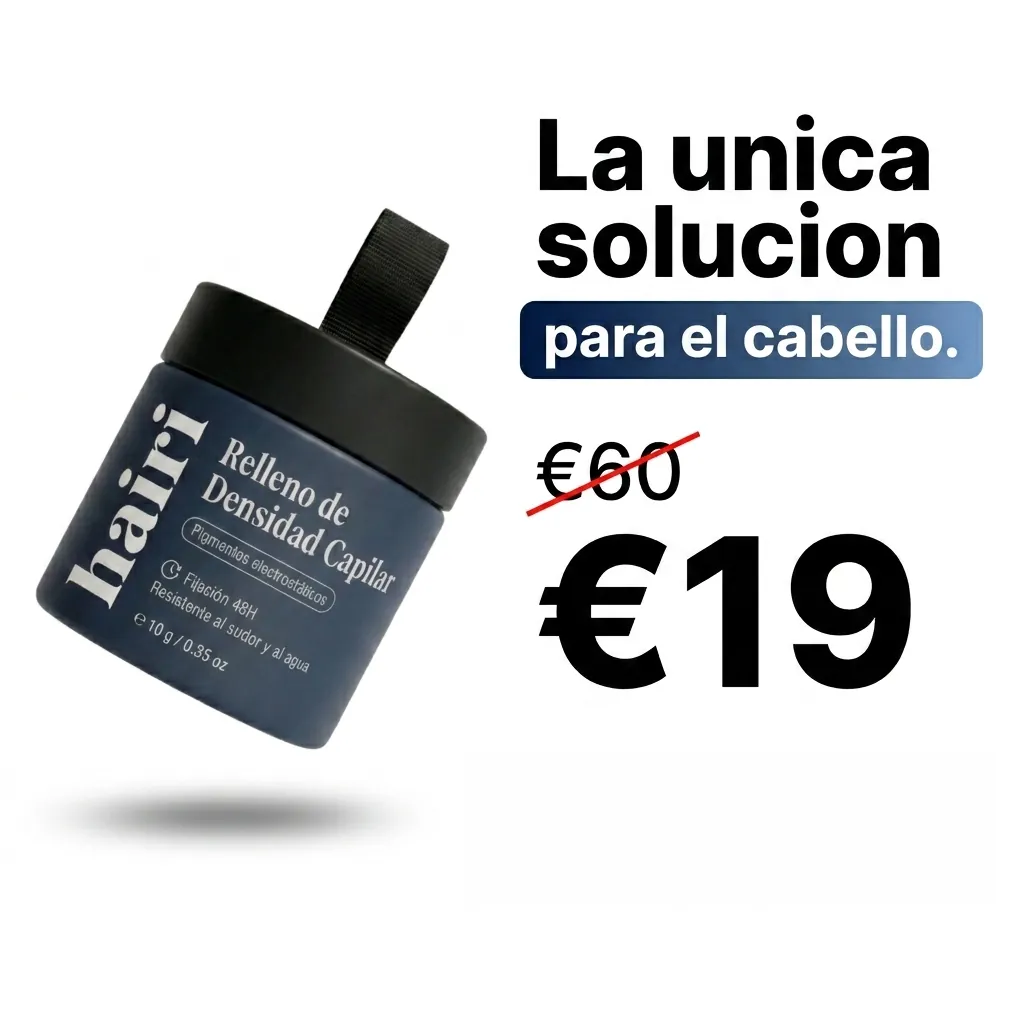
Facebook feed ads from one photo
- InA product photo or an ad
- DoPick a format
- OutFeed ad images
Who it is for
Brands running Facebook and Instagram feed ads that want many angles to test.
Why it works
Static ads are quick to make and quick to test. Each format is a known way to present an offer, like a price slash, a news story or a DM chat, and a blank field is written to fit.
The steps in Staglight
Each step and what it does.
-
Pick what to make
Each card is one kind of result. Pick one per click.
- Price Slash: Bold Offer
- Editorial / Press Article
- 1-Star Review Twist
- AI Recommends
- Breaking News
- Don't Buy This
- DM Conversation
- The Truth About…
- Writing on Arm
- Your formats
-
Generate
Leave a field blank and the AI writes it to fit the format.
-
Download
Every result lands in your library, ready to download.
What you get


Tips
- Test several formats against each other.
- Use your real prices and offers only.
- Formats like news or chat carry an Ad tag, so nobody mistakes them for real articles.
Ready when you are
Open it in Staglight and follow the same steps.
Try next
-
Ad format
Offer-first static
A still of your product in a scene. The app adds the price or discount as crisp text.
- Product photo
- 2 review steps
- Image · 1:1 · 4:5 · 9:16
-
Ad Studio

Product Image Studio
One product photo, a full store carousel
- One product photo
- Pick image types
- A store carousel
-
Ad Studio
Instagram Page Setup
Build your feed, or clone a competitor's
- Your product or posts you like
- Recreate or pick a post type
- Posts for your feed