Ad Studio
Customer-style photos
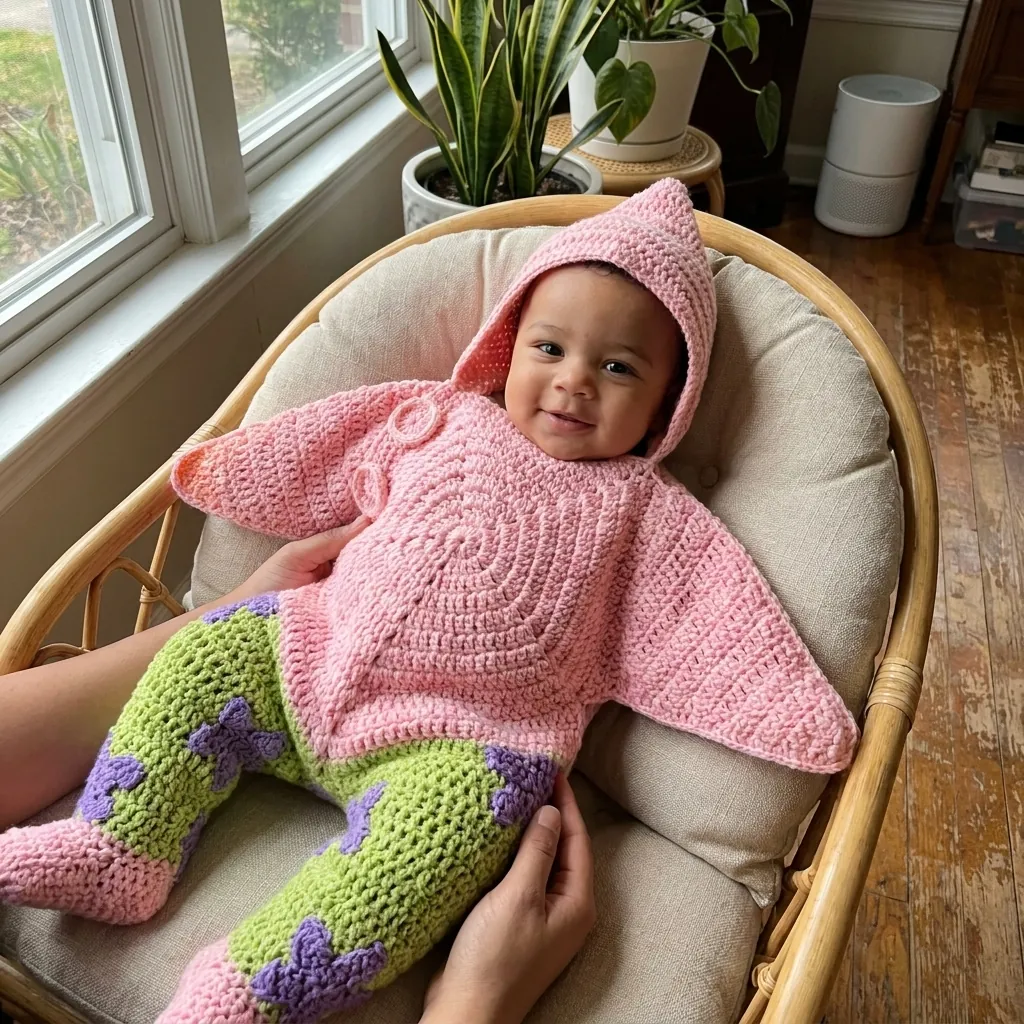
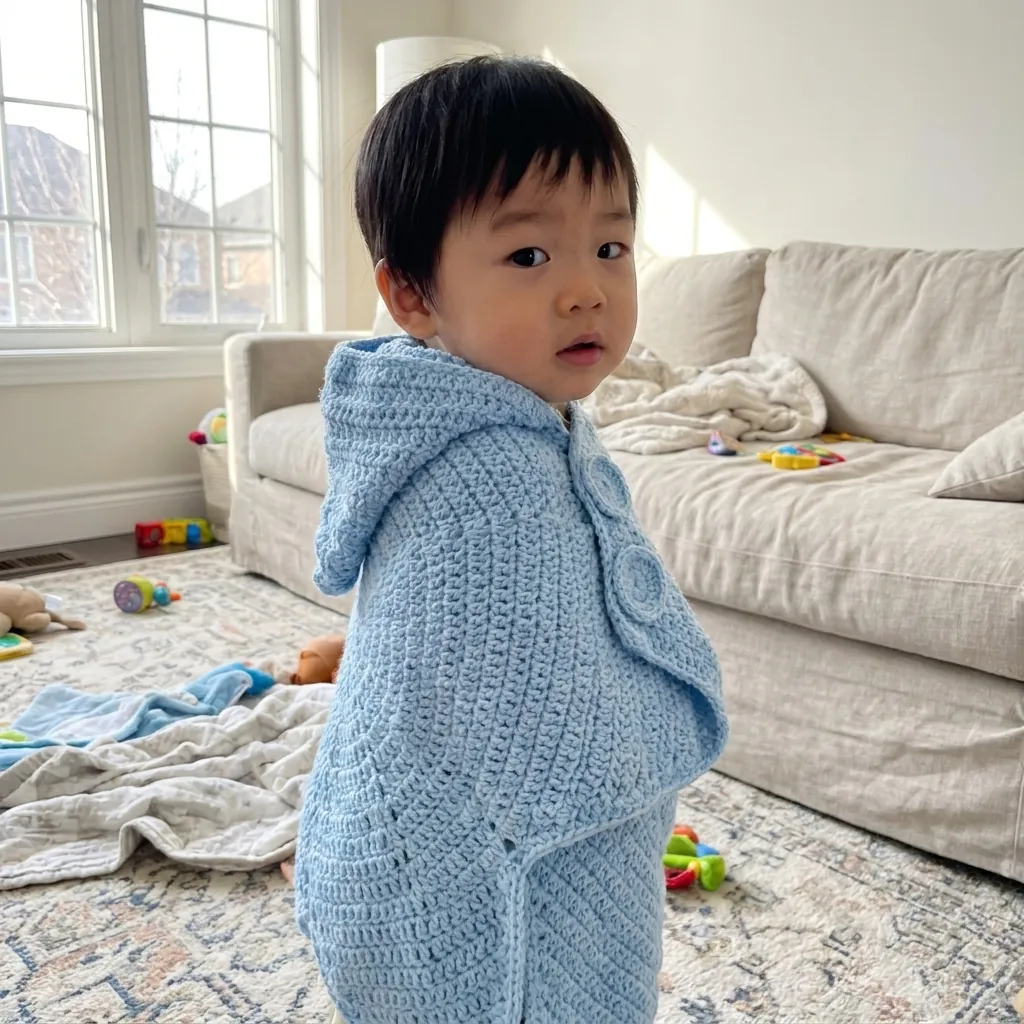
Drop the product shot and get a grid of customer-style photos: different people, different homes, different light.
- InYour product shot
- DoSet the direction
- OutA grid of photos
Who it is for
Shops that want product-in-use photos for product pages and ads.
Why it works
Seeing the product in different homes, hands and light helps buyers picture it in their own life. Every photo gets a different person, home, light and framing.
The steps in Staglight
Each step and what it does.
-
Direction
Every photo gets a different person, home, light and framing.
-
Download
Every result lands in your library, ready to download.
What you get

Tips
- Use them on product pages and in ads, not in review sections.
- They are made with AI and never presented as real customers.
- Keep the photos that look most like your buyers.
Ready when you are
Open it in Staglight and follow the same steps.
Try next
-
Ad format
Creator-style UGC
An AI presenter shows your product on camera, with a script, voiceover and captions.
- Product photo
- 3 review steps
- 15 s video · 9:16
-
Ad Studio
UGC Shots
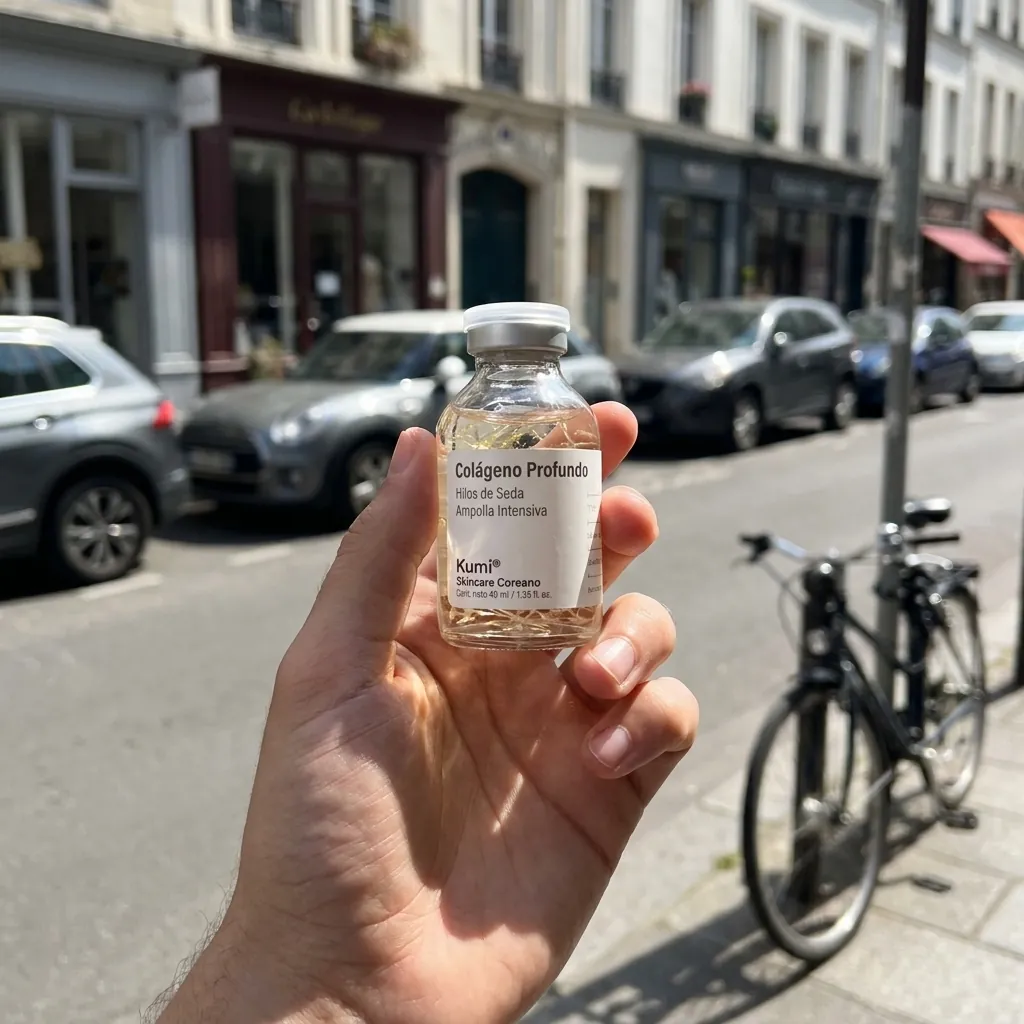
Casual "holding the product" phone photos from one render. No text, pure UGC.
- One product render
- Pick scenes
- Phone-style photos
-
Ad Studio
AI Influencer
Create your own AI influencer, pick a move and get a vertical video ready to post.
- A character type or your photo
- Pick your influencer, then a move
- A 5 s vertical video