Ad format
Creator-style UGC
An AI presenter shows your product on camera, with a script, voiceover and captions.
- InProduct photo
- Do3 review steps
- Out15 s video · 9:16
Who it is for
Reels, Stories and TikTok when you want the product explained the way a creator would.
Why it works
A person talking to camera reads as a recommendation, not an ad, and explains the product in the words a buyer would use. Script, presenter, voice and captions come from one run, and you approve the script, the presenter picture and the talking video before the next step starts.
The steps in Staglight
Each step and what it does. At a review step nothing more is spent until you approve it.
-
Add your product
Upload one product photo, or pick a product you saved before.
-
Script and plan You review
The script, scenes and shots are written for your product. You read them and approve or change them.
-
Keyframes You review
A still picture for each scene, so you see the look before any video is made.
-
Voiceover
The script is read by an AI voice in your language.
-
Music
A music bed is added under the ad.
-
Talking video You review
The presenter says the script on camera, in sync with the voice.
-
The edit
Clips, voice, music and captions are put together into one ad.
-
Download
The finished file is in your library to download and post.
Tips
- Make the first line something a viewer would say out loud, not a slogan.
- Pick the presenter picture where the product is clearly in hand and the label reads.
- The AI label is on by default: the presenter is made with AI, and the ad says so.
Ready when you are
Open it in Staglight and follow the same steps.
Try next
-
Ad Studio
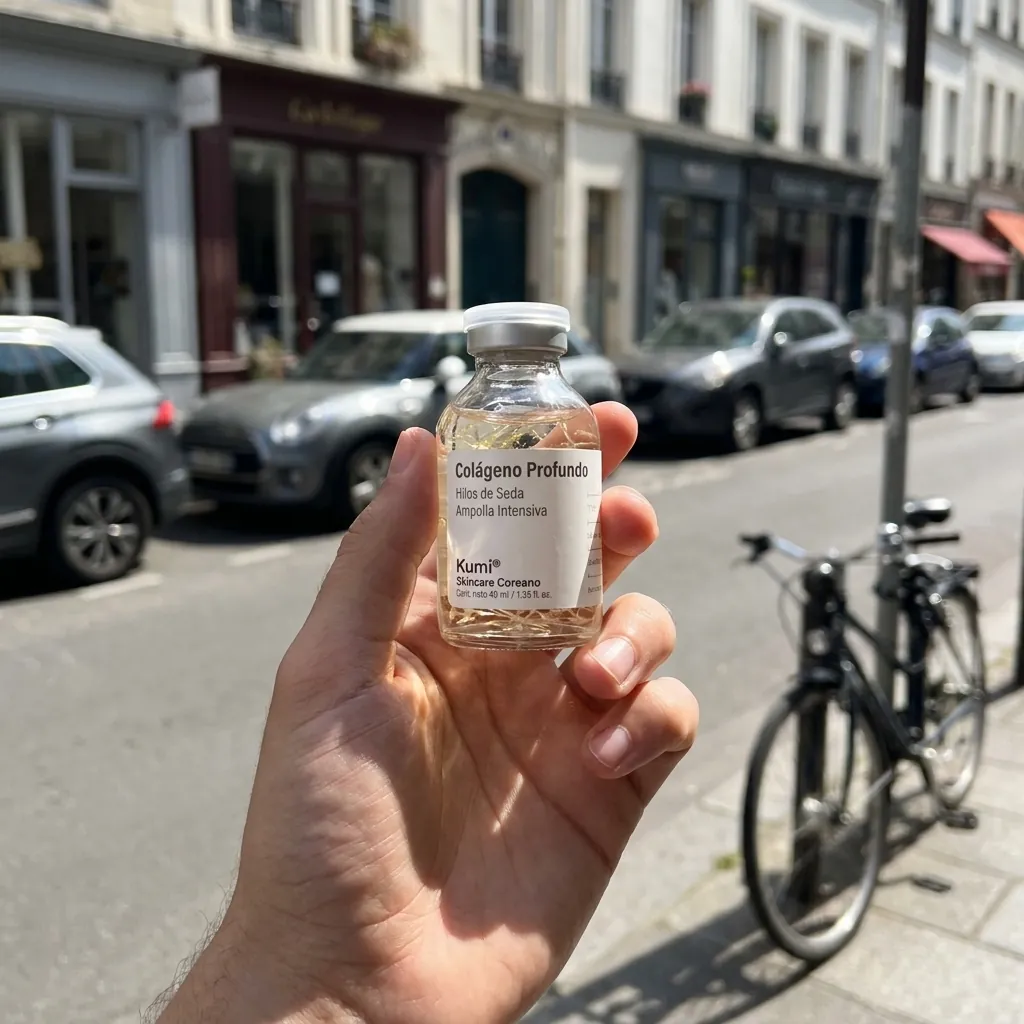
UGC Shots
Casual "holding the product" phone photos from one render. No text, pure UGC.
- One product render
- Pick scenes
- Phone-style photos
-
Ad Studio
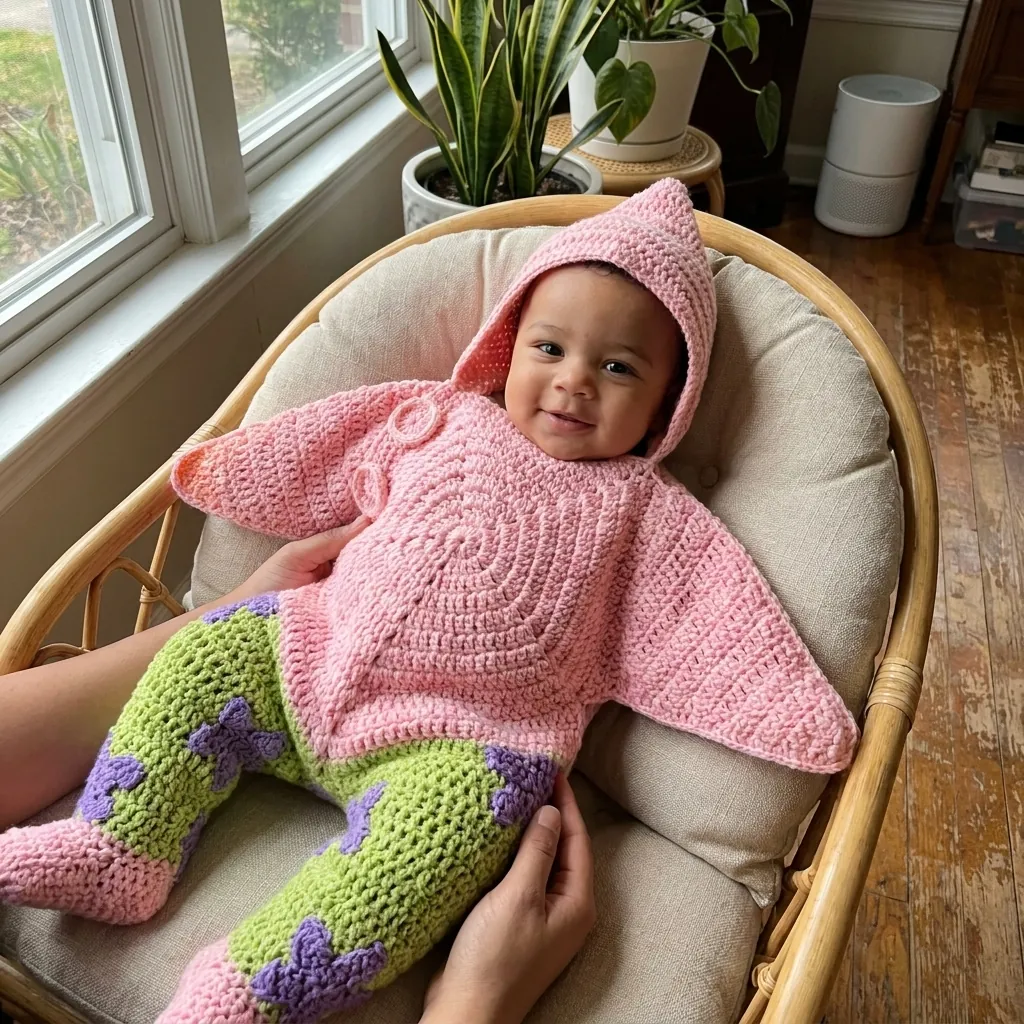
Customer-style photos
Drop the product shot and get a grid of customer-style photos: different people, different homes, different light.
- Your product shot
- Set the direction
- A grid of photos
-
Ad Studio
AI Influencer
Create your own AI influencer, pick a move and get a vertical video ready to post.
- A character type or your photo
- Pick your influencer, then a move
- A 5 s vertical video