The Staglight library
What do you want to make?
Every workflow in Staglight, broken down: what you get, why it works and each step from upload to download.
01 / Explore
Generate from a prompt
Type an idea or drop a picture and pick a model, or start from a ready-made preset.
-
Preset
Giant product video
The crowd walks up to your giant product while the camera tilts up to it. With sound.
- Add your giant product picture
- Generate on Seedance 2.0 Mini
- A short video
-
ReferencePreset
Fire breath
The person in your photo turns into a robot and breathes a wall of fire.
- Add a photo of a person
- Generate on Seedance 2.5
- A short video
-
Preset

Giant product
Your product towers over a busy city square like a monument while the crowd stops to look up.
- Add your product photo
- Generate on GPT Image 2.5
- A picture
-
Studio tool
Video generator
Type what happens, add a first frame if you like, and pick a video model.
- A prompt or a picture
- Pick a model
- A video clip
-
Studio tool
Image generator
Make product pictures from words, or change your own photo, with every image model in one place.
- A prompt or a photo
- Pick a model
- A picture
02 / Explore
Product video ads
Finished video ads from one product photo, in the formats that sell.
-
Ad format
Product hero
Your product on a clean set with a slow camera push-in, a music bed and your text.
- Product photo
- 3 review steps
- 6 s video · 9:16 · 4:5 · 1:1
-
Ad format
Problem / Solution
Three scenes: the problem, the pain and your product as the fix, with voiceover and captions.
- Product photo
- 3 review steps
- 15 s video · 9:16 · 4:5
-
Ad format
3 reasons
Three benefits in three clips with big on-screen numbers. The app sets the text, not the model.
- Product photo
- 3 review steps
- 15 s video · 9:16 · 4:5
-
Ad format
Unboxing
Hands open the box and reveal your product, with the sound of paper and tape.
- Product photo
- 3 review steps
- 10 s video · 9:16
-
Ad format
ASMR macro
An 8 s close-up with native sound: textures, drops, clicks. No voice and almost no text.
- Product photo
- 3 review steps
- 8 s video · 9:16 · 1:1
-
Ad format
Miniature world
Your product at giant scale with a tiny world around it, in a 6 s clip with music.
- Product photo
- 3 review steps
- 6 s video · 9:16 · 4:5 · 1:1
-
Ad format
Before / After
Two shots of the same scene and a transition between them. Only for real, visible changes.
- Product photo
- 3 review steps
- 10 s video · 9:16 · 4:5
-
Ad format
Us vs them
Split screen: the usual way next to your product, with labels. No other brands.
- Product photo
- 3 review steps
- 12 s video · 9:16 · 4:5
-
Ad format
Claymation ad
A talking clay object tells your product's story in four scenes. You approve the script and the storyboard before paying for clips.
- Product photo
- 3 review steps
- 15 s video · 9:16 · 4:5 · 1:1
-
Ad Studio
Product link ad
Paste your product link, get a video ad
- Your product page link
- Pick the photo and check the line
- One UGC video
-
Ad Studio
Wiggle Clip
One static wide shot of the product being worn, then burn a different hook on it for every post
- One product photo
- Approve the start frame
- One clip, a hook per post
-
Ad Studio
Video Ads
UGC & product B-roll from one photo
- One product photo
- Pick UGC or B-roll
- Clips with sound
03 / Explore
UGC and creators
Creator-style videos and photos that feel made by a person, and say they are AI.
-
Ad format
Creator-style UGC
An AI presenter shows your product on camera, with a script, voiceover and captions.
- Product photo
- 3 review steps
- 15 s video · 9:16
-
Ad Studio
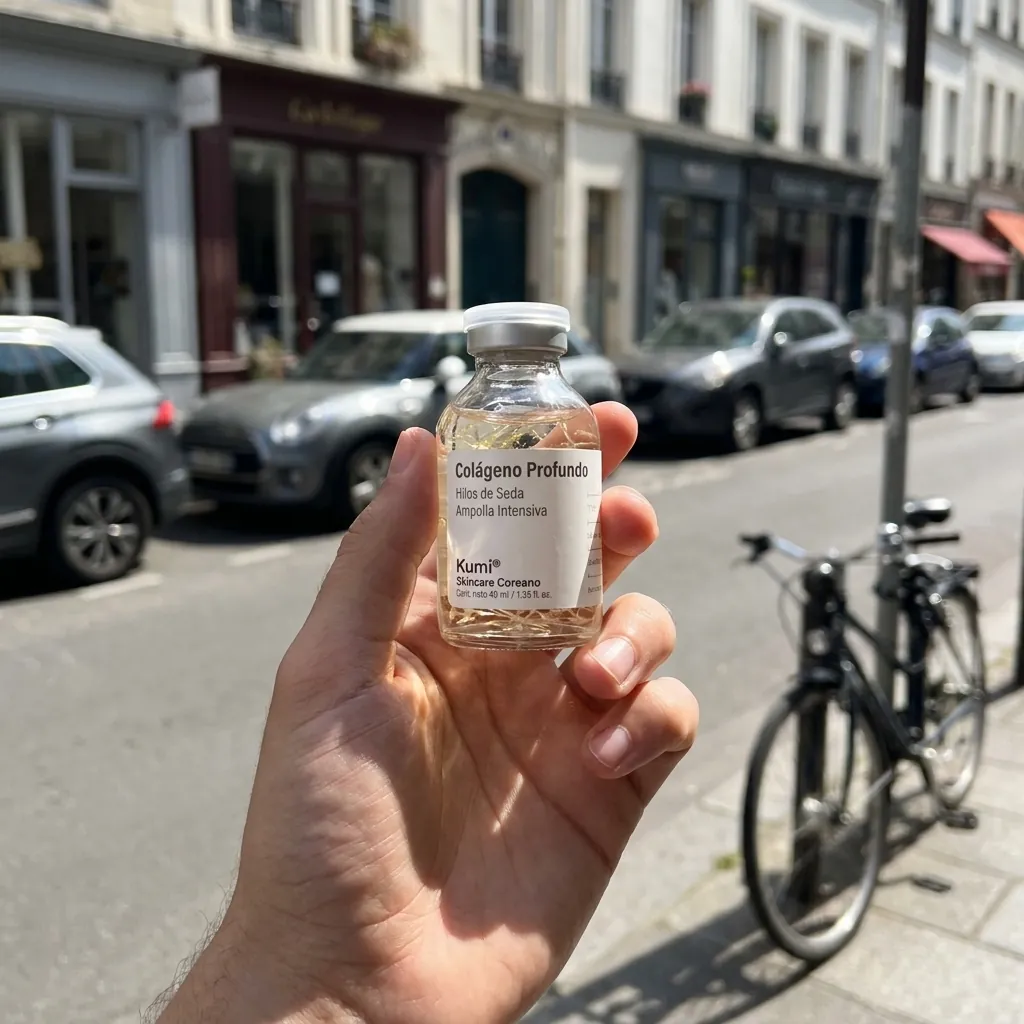
UGC Shots
Casual "holding the product" phone photos from one render. No text, pure UGC.
- One product render
- Pick scenes
- Phone-style photos
-
Ad Studio
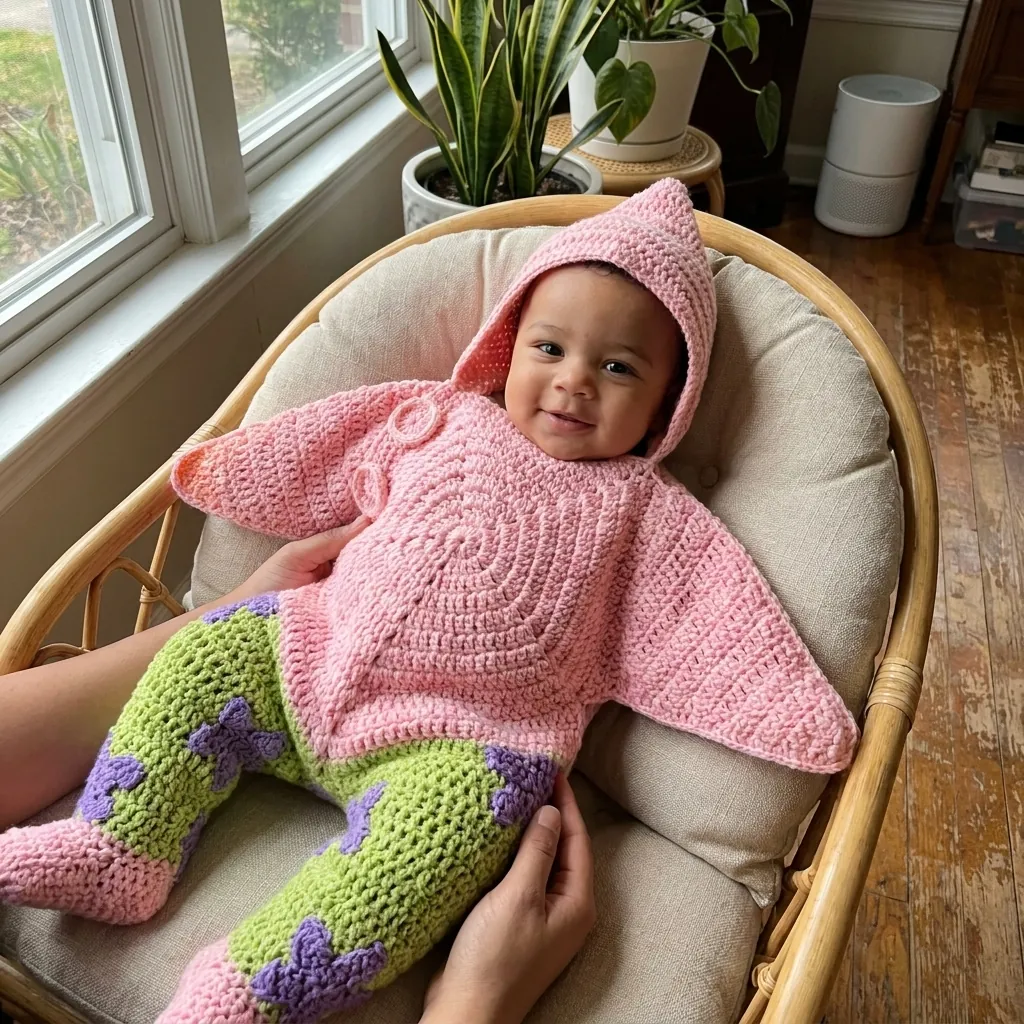
Customer-style photos
Drop the product shot and get a grid of customer-style photos: different people, different homes, different light.
- Your product shot
- Set the direction
- A grid of photos
-
Ad Studio
AI Influencer
Create your own AI influencer, pick a move and get a vertical video ready to post.
- A character type or your photo
- Pick your influencer, then a move
- A 5 s vertical video
-
Ad Studio
UGC Video
One product image, one line of description, one video
- Product image and one line
- Approve the start frame
- One UGC video
04 / Explore
Images and stills
Listing images, feed ads and posts from your product photo.
-
Ad format
Offer-first static
A still of your product in a scene. The app adds the price or discount as crisp text.
- Product photo
- 2 review steps
- Image · 1:1 · 4:5 · 9:16
-
Ad Studio

Product Image Studio
One product photo, a full store carousel
- One product photo
- Pick image types
- A store carousel
-
Ad Studio
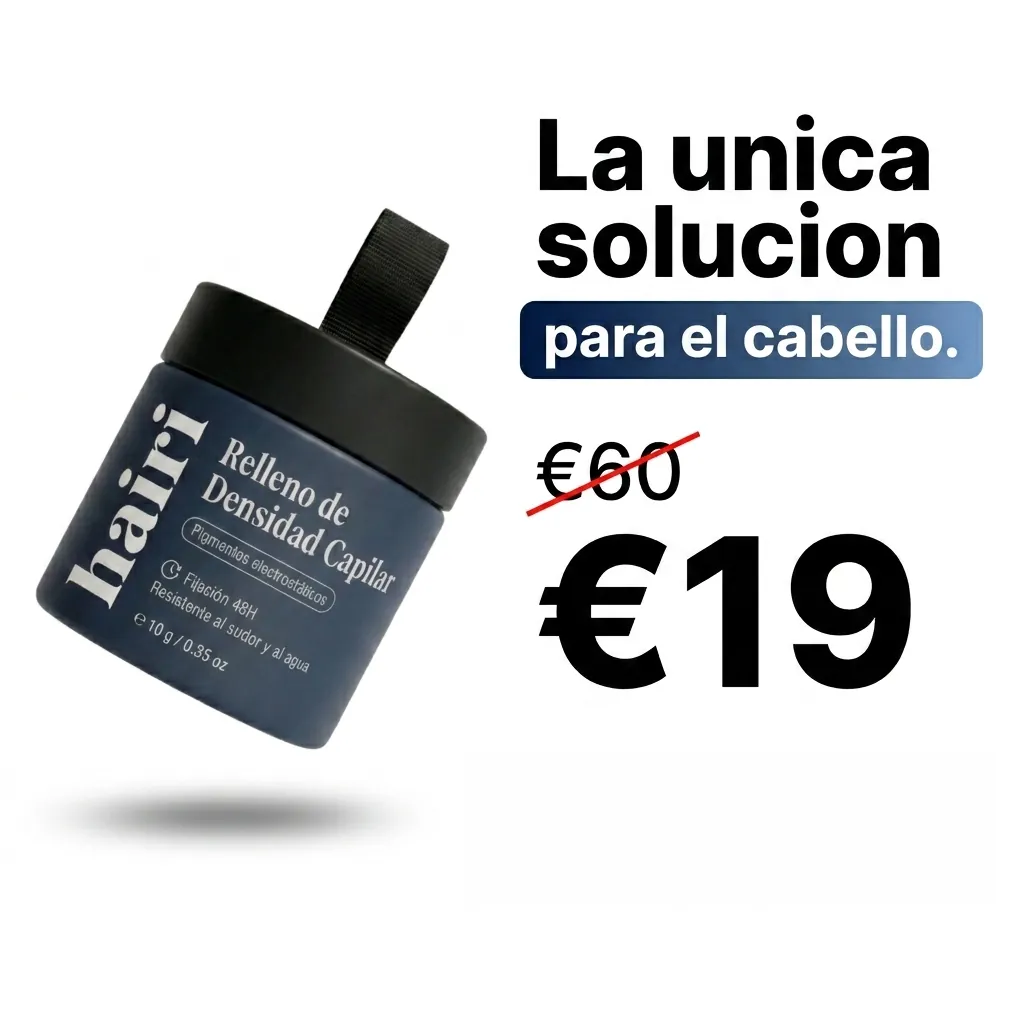
Static Ads
Facebook feed ads from one photo
- A product photo or an ad
- Pick a format
- Feed ad images
-
Ad Studio
Instagram Page Setup
Build your feed, or clone a competitor's
- Your product or posts you like
- Recreate or pick a post type
- Posts for your feed
-
Ad Studio
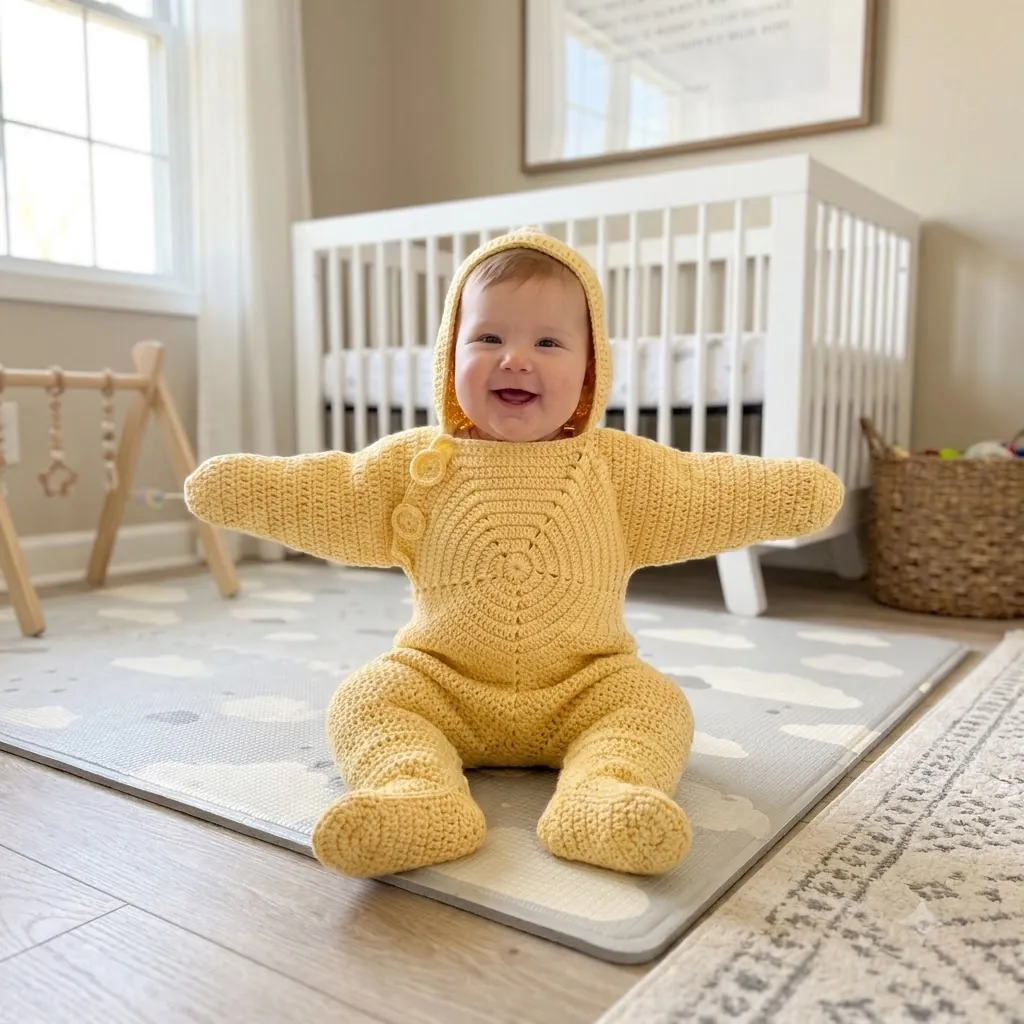
Recreate
Drop any photo you wish you had shot and get a brand-new original in the same style, optionally wearing your product.
- A photo you like
- Choose what to keep
- A new original image
-
Ad Studio

Edit Product Photo
One precise change (a new colour, a cleaner background, a removed distraction) with everything else in the photo left untouched.
- Your product photo
- Ask for one change
- The same photo, edited
05 / Explore
Edit and finish
Captions, sharper video, new languages and remixes for the ads you already have.
-
Studio tool

Ad Analyzer
Drop in an ad and see what makes it work: the hook, the structure and a script to make your own.
- An ad video
- Read the breakdown
- A script for your product
-
Studio tool
AI captions
Burn clear captions into your video, in the style and place you choose.
- Your video
- Check the words
- The video with captions
-
Studio tool
Video upscale
Make a video bigger and sharper without changing what is in it.
- Your video
- Pick the size
- A sharper video
-
Studio tool
Motion Remix
Upload one clip and a few images: each image makes its own version of the clip, with the same motion.
- One clip and images
- Pick the best draft
- New versions of the clip
-
Ad Studio
Localize an ad
Your video ad in another language: same picture, new voice, new captions.
- Your video ad
- Check each step
- The ad in another language
06 / Explore
YouTube automation
Shorts formats, scripts and characters for channels that post every day.
-
Studio tool
Characters
Save a character once, with its pictures and voice, and reuse it in every scene.
- 1 to 3 pictures
- Add a voice (optional)
- A character to reuse
-
Ad format
Script Runner
Paste your script and we turn it into scenes, keyframes, clips and an edited video.
- Your script
- 3 review steps
- Video · 9:16 · 4:5 · 1:1 · 16:9
-
Ad Studio
Ranking Shorts
Five crazy levels, ranked #5 to #1, in one vertical Short
- A theme and five ideas
- Film and check each level
- A vertical ranking Short
-
Ad Studio
Glow-up Series
An animated Spanish series where your audience votes what changes each day
- Two names and what your audience voted
- Check the script and make the episode
- A vertical animated episode
-
Ad Studio
How Many Shorts
Any idea, a stick figure and a counter that climbs to the real number
- Something small and somewhere far
- Pick your question, or type your own sizes
- A vertical neon Short with no voice
-
Ad Studio
Animal Animations
Two animated animals, one bed, one joke: a short clip made for shares
- A couple of animals and a joke
- Check the opening frame, then animate it
- A vertical clip with your caption above it
07 / Explore
Agents and API
Make ads from your AI assistant or from your own code.
-
Guide
Make ads from your AI assistant
Connect Staglight to your AI chat app or code editor over MCP and ask for ads in plain words.
- Your AI assistant
- Connect once
- Ads made from chat
-
Guide
Build with the REST API
Make images, video, voice and full ads from your own code, with the price before every job.
- Your code
- Estimate, create, poll
- Files in your app
08 / Explore
What's new in models
New AI models for pictures and video: what changed and whether you can use them here.
-
Model news
Kling 4.0: 30-second clips with sound
Kuaishou's new video model makes clips up to 30 seconds long with synchronized sound.
- Kling 4.0
- Video
- Oct 15, 2026
-
Model news
Nano Banana 2.1: Google's update to Nano Banana 2
Google's update to Nano Banana 2, reported at about half the API price.
- Nano Banana 2.1
- Image
- Oct 6, 2026
-
Model news
GPT Image 2.5: the new top of the image rankings
Two versions: Flare for speed, Sunburst for detail and editing.
- GPT Image 2.5
- Image
- Sep 8, 2026